
Patient Portal registration is now available on desktop and mobile devices for current patients.
Click here to access FAQs about the patient portal.


Click to Register(opens in a new tab)(opens in a new tab)

Go to our patient portal website(opens in a new tab). Click Create an Account to register for a portal account.
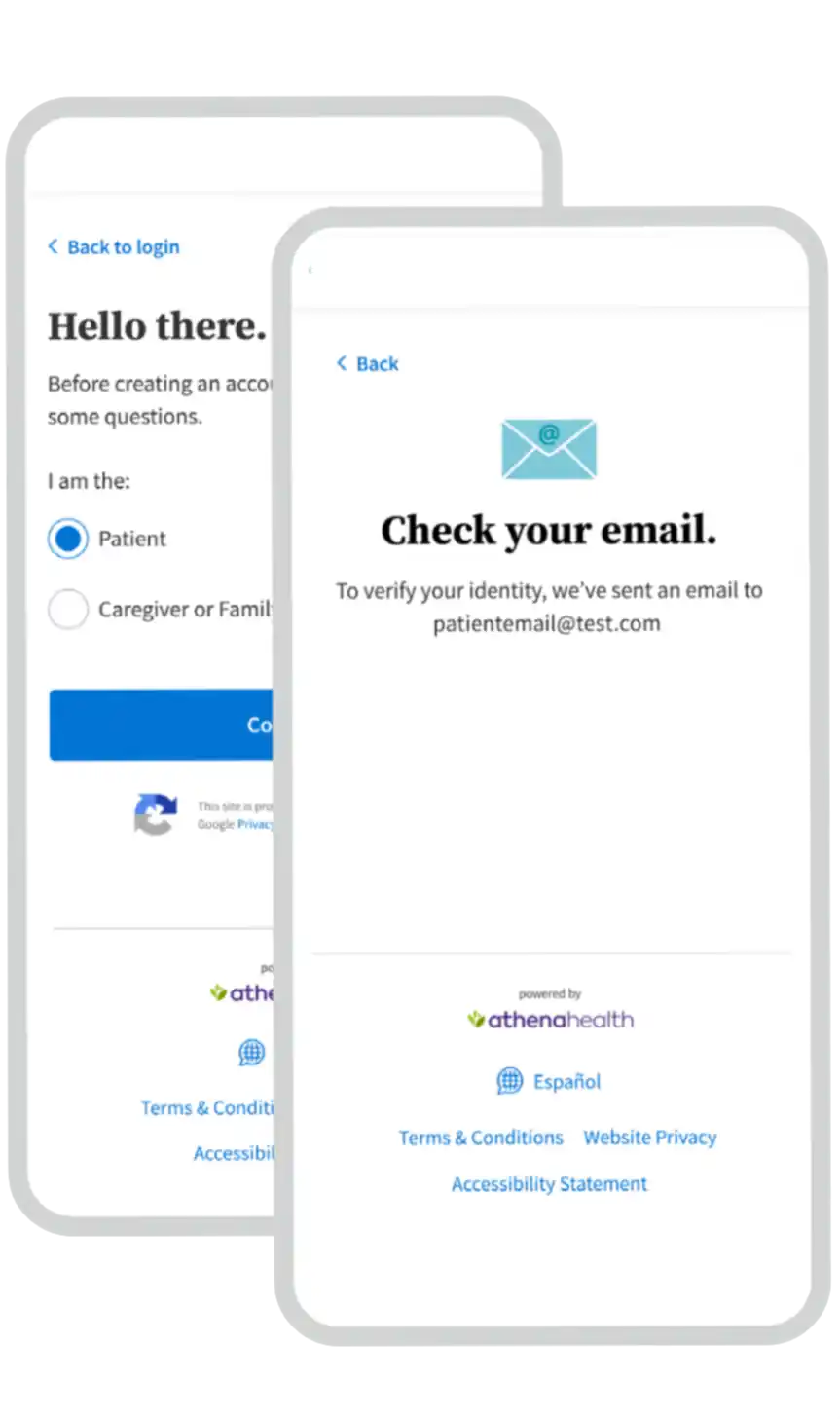
Indicate you are a patient. Enter your information and follow the prompts to verify your identity.
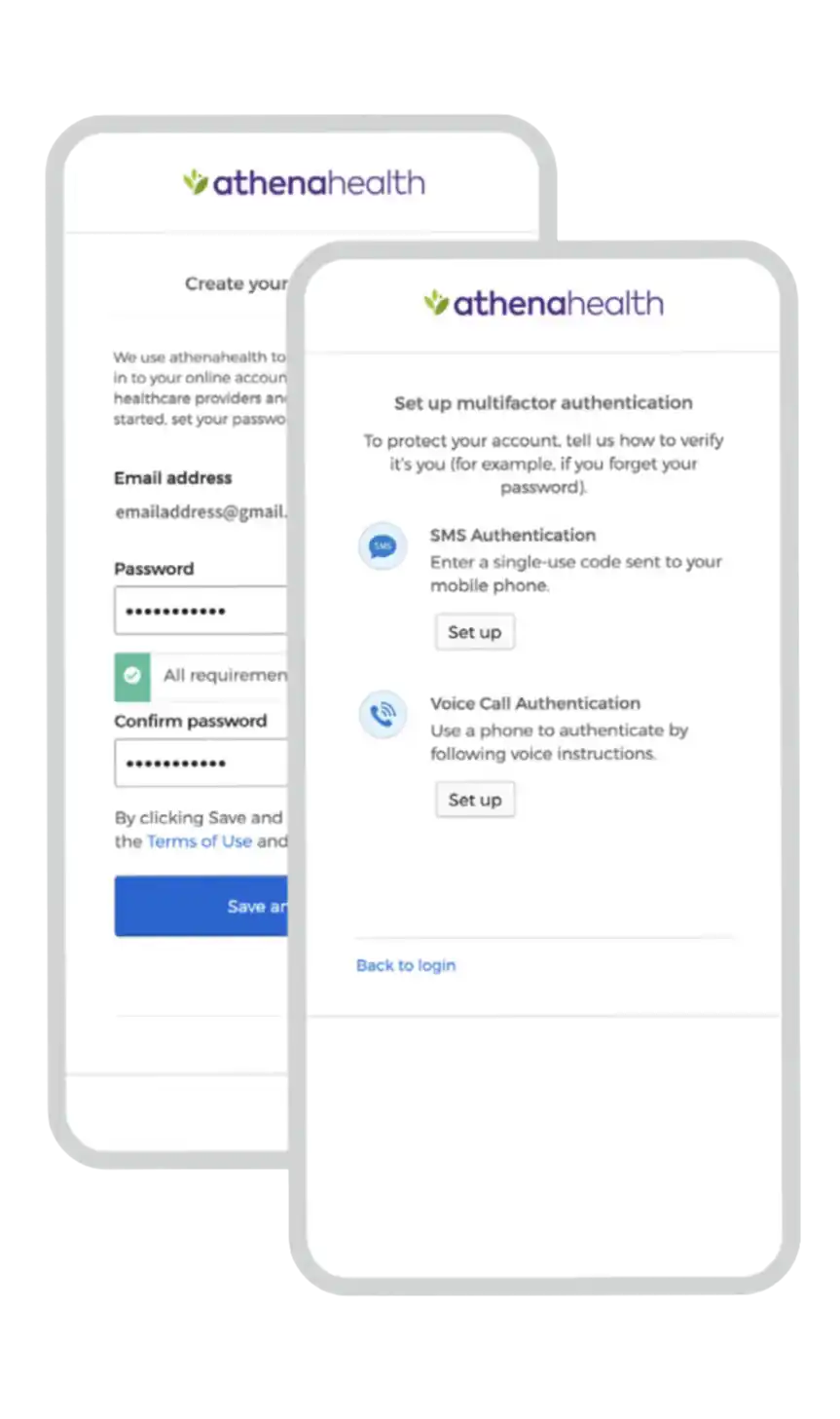
Create a new password and secure your account by setting up multifactor authentication.
Before your appointment, you'll receive a reminder by email and/or text message with a secure link to join your visit.
To join your appointment:
What you'll need: